


A SaaS product can have powerful technology behind it and still be difficult to use. When users cannot understand where to begin, struggle to complete a task or need repeated help from support teams, the problem is often not the product capability. It is the experience around that capability. UI UX design for SaaS products has a different challenge from designing a marketing website. A SaaS interface is used repeatedly. Users return to dashboards, filters, forms, reports and workflows every day or every week. Small usability problems therefore become repeated friction. Good SaaS design makes complex functionality easier to understand. It gives users a clear path through the product while making important information easy to find.
Why SaaS Products Need a Different Design Approach
A marketing website mainly needs to explain and persuade. A SaaS product needs to help users complete tasks. That difference affects almost every design decision. A website might have a navigation menu with pages such as Services, About and Contact. A SaaS application may need navigation for projects, users, reports, settings, billing, notifications and multiple workflows. The interface also needs to account for different user roles. An administrator may need controls that a regular user should never see. A manager may need reporting features while a field employee needs a quick way to update a record. Good UX starts by understanding these users, their responsibilities and the tasks they perform.
Start With User Flows, Not Screens
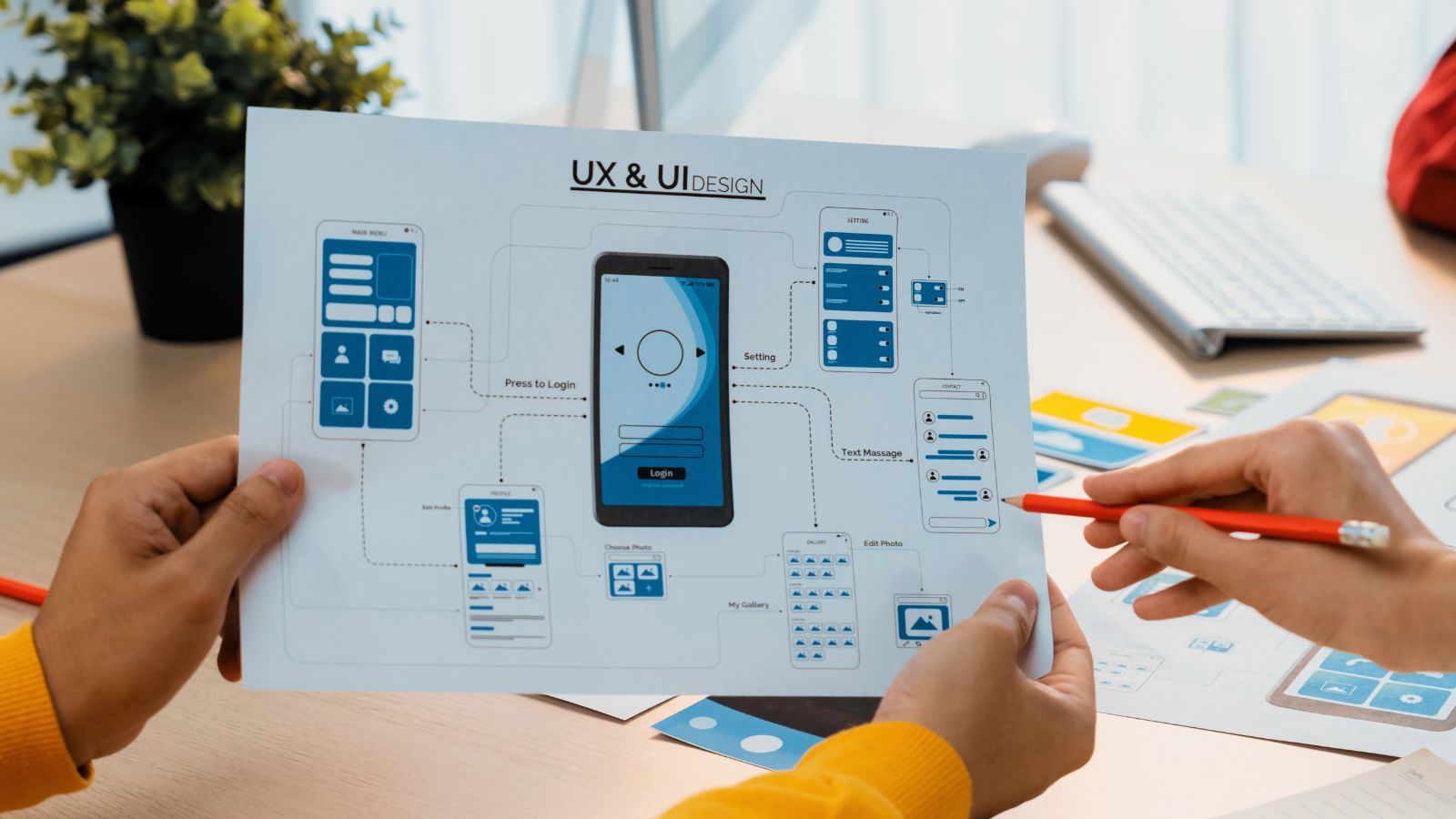
One of the common mistakes in product design is jumping directly into screen designs. Before deciding how a dashboard should look, the team should understand what the user is trying to accomplish. Consider a simple example. If a SaaS platform allows a manager to create a project, assign people, monitor progress and generate a report, those steps form a journey. The UX designer can map that journey and identify where information is required, where decisions happen and where users may get confused. User flows help teams avoid designing isolated screens that look good individually but feel disconnected when used together. They also expose unnecessary steps before those steps become expensive to develop.
Dashboard Design Is About Priorities
SaaS dashboards often become crowded because every department wants its information visible. The result can be a screen filled with cards, charts, filters and notifications without a clear priority. A useful dashboard should answer the user's most important questions first. What needs attention? What changed? What is incomplete? What action should happen next?
Visual hierarchy plays an important role. Not every number needs the same size. Not every action needs to be a prominent button. Related information should be grouped and secondary details can be available when needed. The objective is not to make a dashboard look impressive. It is to help the user understand the situation quickly and take the appropriate action.
Onboarding Can Decide Whether Users Stay
A new user should not have to learn an entire product before achieving something useful. SaaS onboarding should introduce the product through the tasks that matter. For a project management platform, that could mean creating the first project and inviting a team member. For an analytics product, it could mean connecting a data source and viewing the first report.
Clear empty states are particularly important. Instead of showing an empty table with no explanation, the interface can explain what belongs there and provide a direct next step. Good onboarding reduces uncertainty. It helps users understand not only where they are, but what they can do next.
Design Systems Make SaaS Products Easier to Scale
As a SaaS product grows, different teams often add new screens and features. Without shared design rules, the interface can slowly become inconsistent. A design system creates reusable components and rules for elements such as buttons, forms, tables, navigation, alerts, typography and spacing.
This gives designers and developers a common reference. The benefit is not simply visual consistency. Reusable components can also make product development more efficient. When a common interaction is already defined, new features do not have to reinvent it. For SaaS companies with large or growing products, a design system becomes part of the product infrastructure.
Accessibility and Responsive Behaviour Matter
SaaS users may work across laptops, tablets and different screen sizes. Interfaces need to remain usable when the available space changes. Accessibility also needs to be considered from the start. Text should remain readable, controls should be understandable, forms should have clear labels and important information should not depend only on colour.
These considerations are particularly important for business software because users may spend hours inside the product. A small usability problem repeated throughout the workday can have a meaningful effect on productivity.
How UX Decisions Can Reduce Support Problems
When users repeatedly ask support teams how to complete basic tasks, the problem may be a UX issue rather than a training issue. Clear labels, useful error messages, sensible defaults and predictable navigation can answer many questions inside the product itself.
A good error message should explain what went wrong and, when possible, how to fix it. This does not eliminate the need for customer support. It allows support teams to spend more time on genuine product questions rather than explaining confusing interface behaviour.
Final Thoughts
Strong SaaS UI UX design connects product capability with real user behaviour. It considers workflows, roles, navigation, dashboards, onboarding, accessibility and the details that make repeated use easier. The goal is not simply to create an attractive interface. The goal is to make the product understandable, efficient and dependable as it grows.
RGB Design Studio works across UX strategy, user flows, interface design, prototypes and design systems to help product teams turn complex digital products into clearer experiences.
CTA Building or improving a SaaS product? Speak with RGB Design Studio about your user flows, interface structure and product design requirements.


